Free
•
Chrome
See YouTube analysis right on the page
The TubeKit AI Chrome extension shows an instant analysis panel on the right whenever you open a YouTube video, channel or search. SEO score, channel health and keyword data — all free.
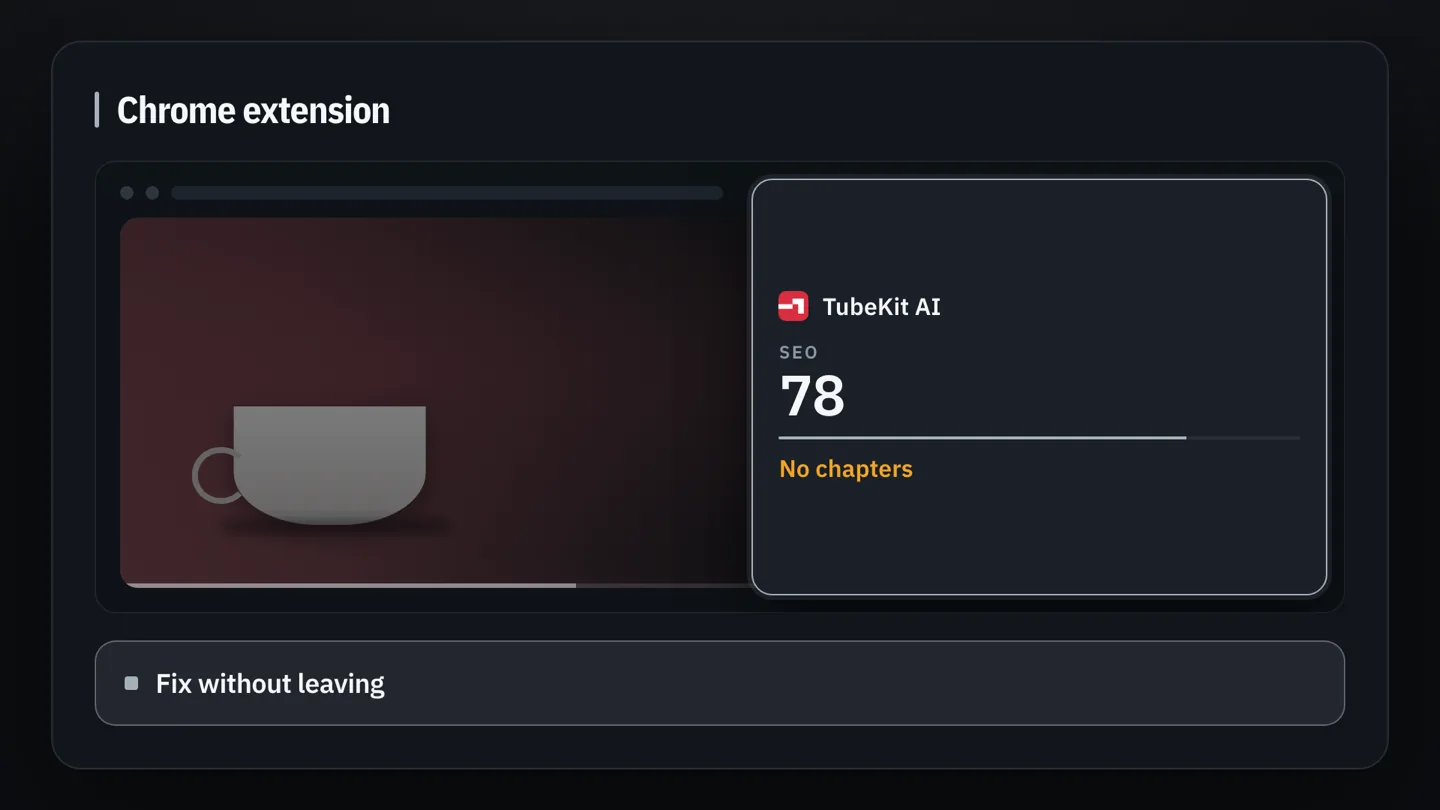
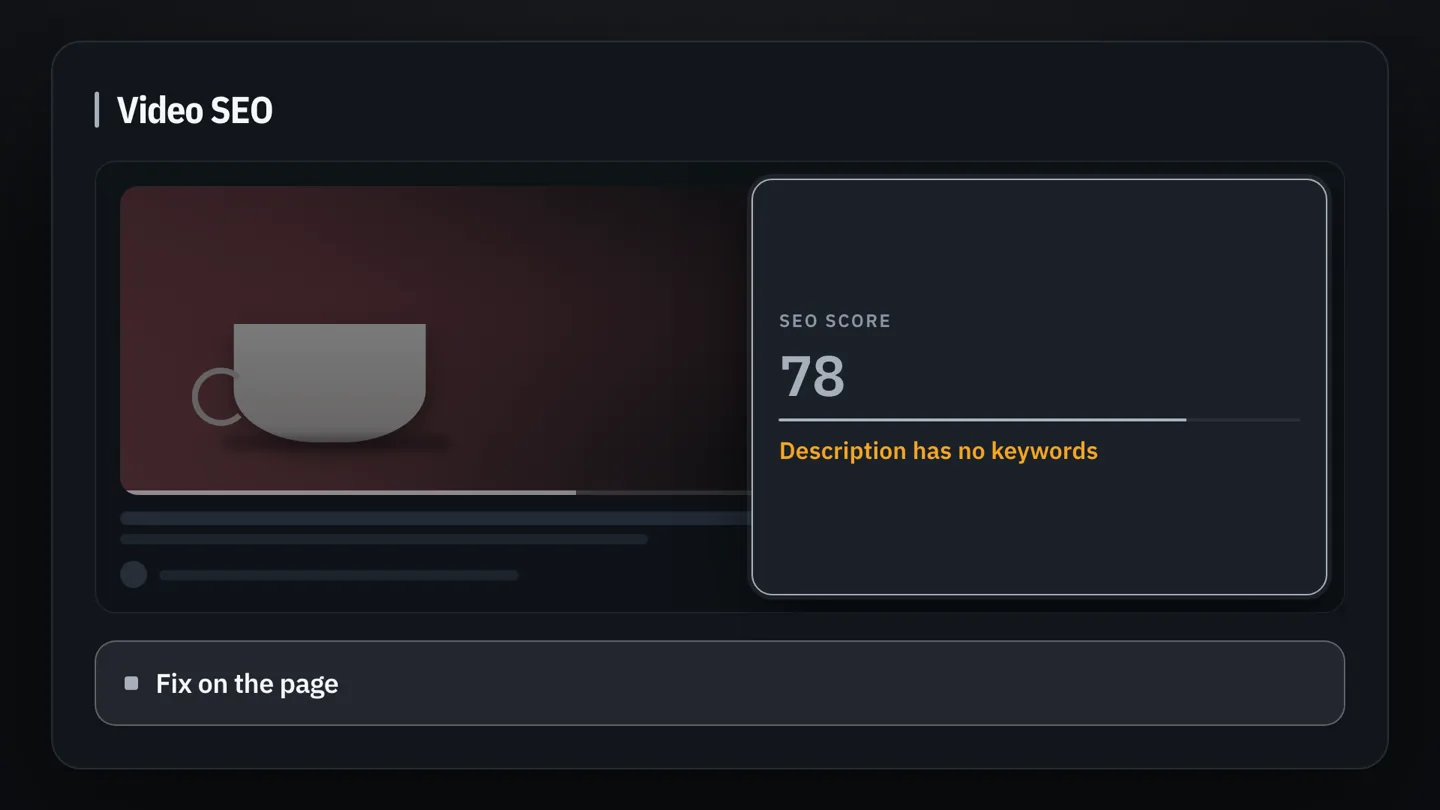
Video page
Open any video to see a 0–100 SEO score, engagement rate and a ready checklist.
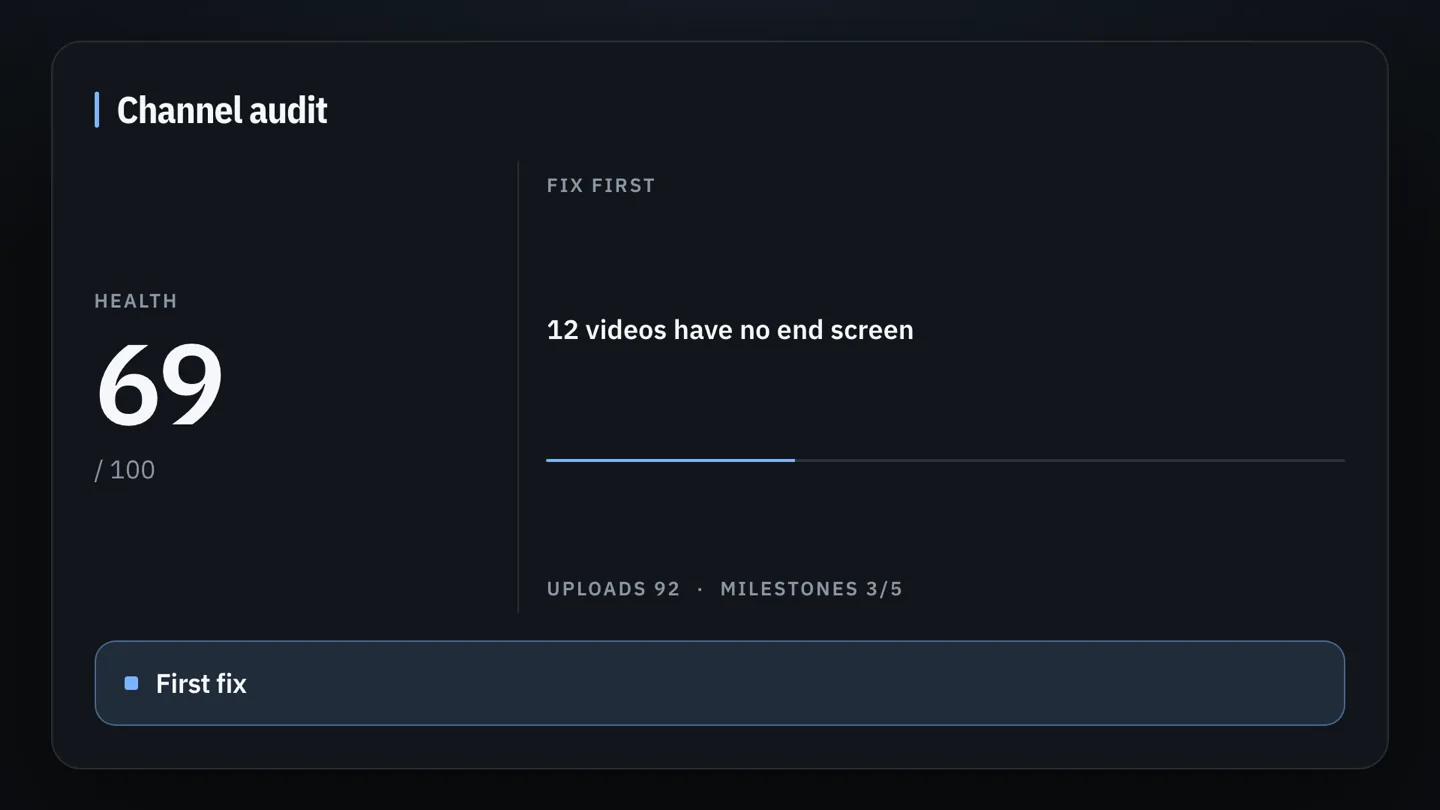
Channel page
On any channel see subscribers, views, average views and the next subscriber milestone.
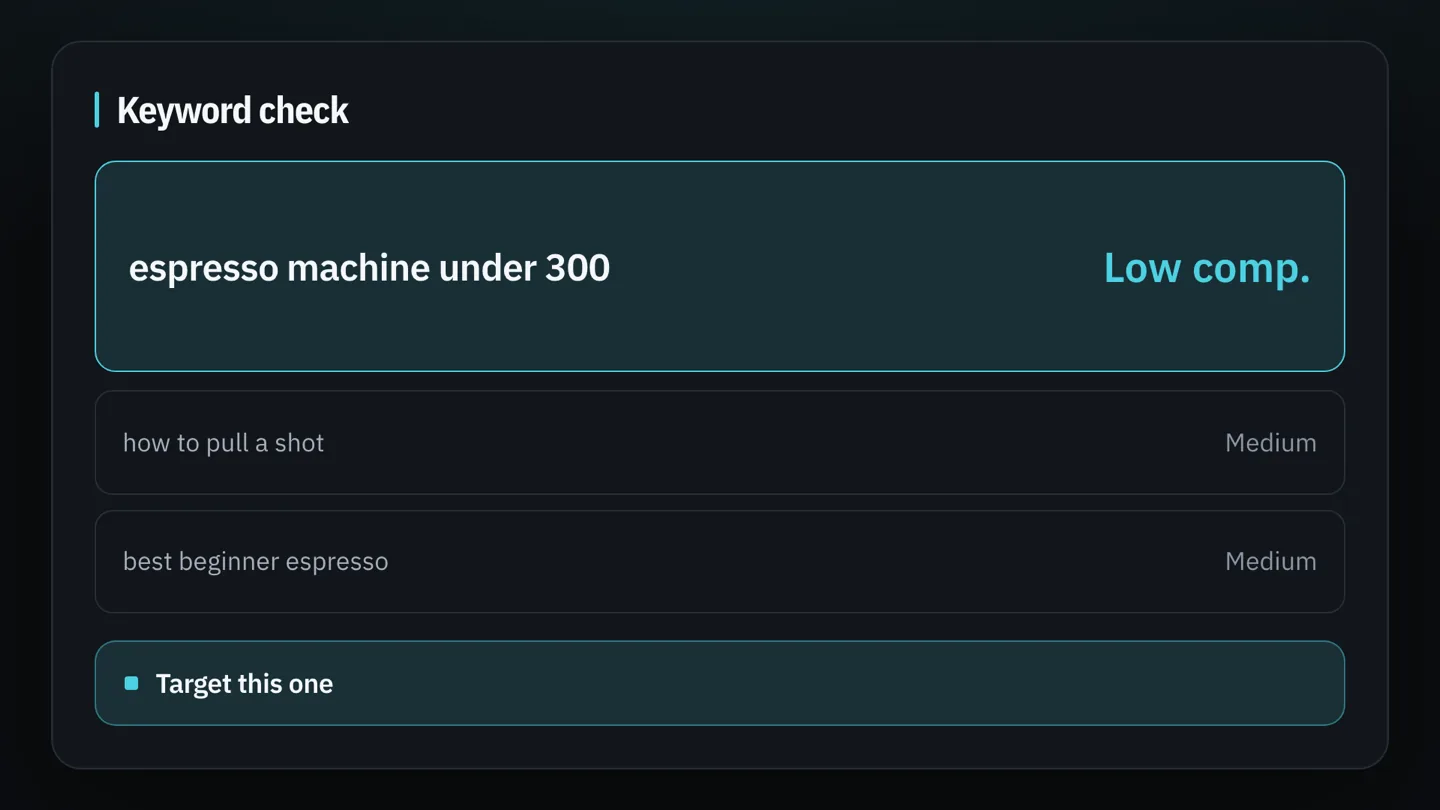
Search page
Search on YouTube to see search volume, difficulty, competition and related keywords.
How to install
1
Install the “TubeKit AI - YouTube Analiz” extension from the Chrome Web Store.
2
Click the extension icon and sign in with your TubeKit AI account.
3
Open any YouTube video, channel or search page — the panel appears automatically.